
Expand or Collapse the Left Navigation Menu
You can expand or collapse the left navigation menu. You can customize your experience and focus on the sections that are most relevant to your current tasks. By collapsing the left navigation menu, you can declutter the interface, resulting in improved usability. By default, the left navigation menu is expanded. If you have multiple apps (services) provisioned in your Cloud Protection Service account, the expand/collapse setting change for the navigation menu does not persist across different apps. Therefore, if you expand or collapse the menu in one app, the setting is not carried over to other apps within your Cloud Protection Service account.
To collapse the left navigation menu, in the lower-left corner, click on the hamburger (collapse) menu:
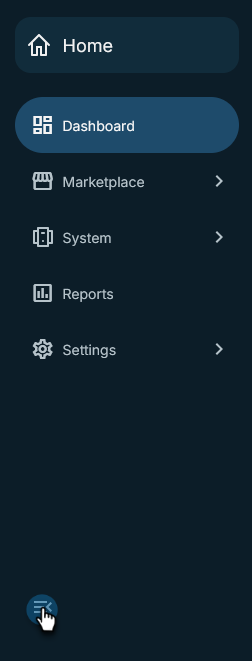
To expand the left navigation menu, in the lower-left corner, click on the hamburger menu:

