
Select Regions and Encryption Key Management System
Before you can use Cohesity DataProtect as a Service for Government (FedRAMP), you need to choose at least one cloud region for your data backups. Currently, Cohesity supports the US-Gov-East region.
-
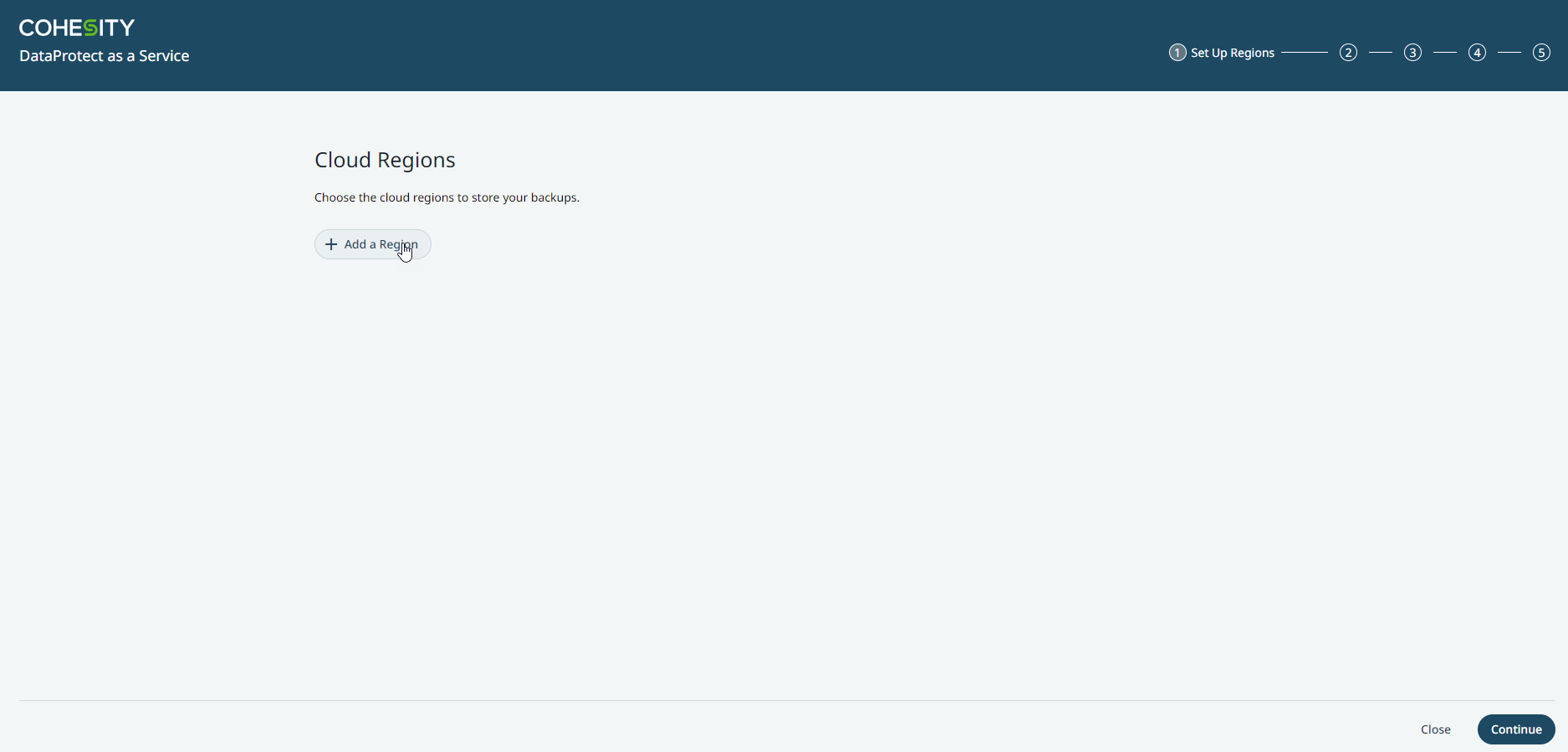
On the Cloud Regions page, click Add a Region.
-
From the Set Up Region dialog, select the US-Gov-East as the region for your data backups and choose the encryption option. For more information on the encryption options, see Select Regions and Encryption Key Management System.
-
Once the cloud region is provisioned, click Continue.
Choose Key Management System (KMS)
In Cohesity DataProtect as a Service for Government (FedRAMP), all the data is encrypted both in flight and at rest. Cohesity uses AWS Key Management System for at-rest data encryption and provides customers a choice between Cohesity- and self-managed keys:
-
Cohesity KMS. Cohesity generates and uses unique AWS encryption keys (known as Customer Master Keys in AWS) for each customer to encrypt their data.
-
Self-Managed KMS.
-
You can also use your own AWS encryption keys (Customer Master Keys).
-
To use your own AWS encryption keys (Customer Master Keys), see Self-Managed KMS for AWS.
-
In both encryption options, Cohesity uses AES-256 encryption keys called DEKs (Data Encryption Keys) to encrypt the data at rest. DEKs are generated using the AWS CMK and rotated every 4 hours. The Data Encryption Key is encrypted with the AWS CMK and stored along with the data—it is never stored in plain text.
In both options, Cohesity uses AES-256 encryption keys called DEKs (Data Encryption Keys) to encrypt the data at rest. DEKs are generated using the AWS CMK and rotated every 4 hours. The Data Encryption Key is encrypted with AWS CMK and stored along with the data — it is never stored in plain text.
Once you choose a KMS, you cannot change that choice.
Next > You're all set up and ready to register your sources!
